 Relay
Relay
Your devices, together.
Files, photos, links and the clipboard move straight between your phone and your computer over your own Wi-Fi. No account. No cloud. Nothing in the middle.
What it does
The things you would expect two of your own devices to do for each other.
Universal clipboard
Copy on one device, paste on another: text, images and whole files, in both directions.
Send anything
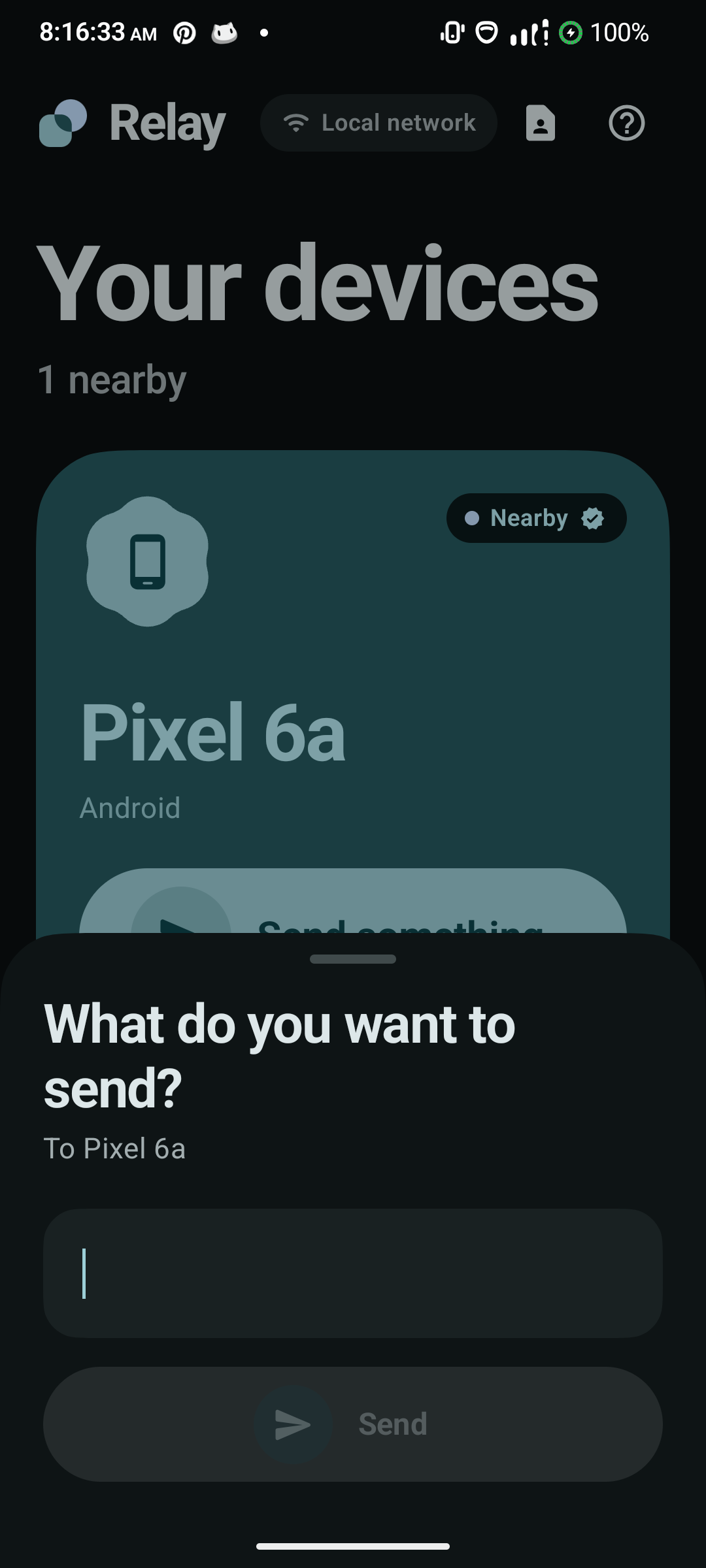
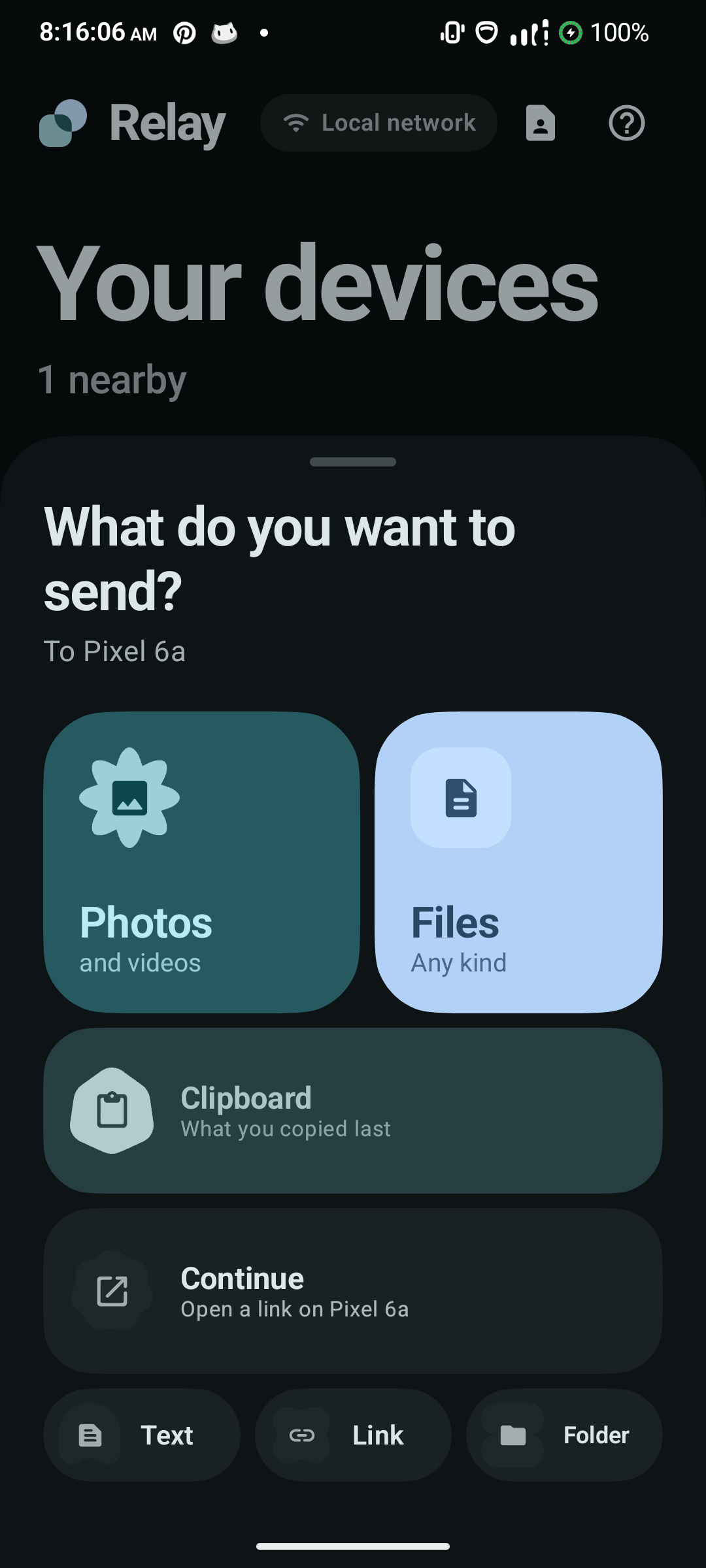
Photos, documents, folders, notes and links, from the app or straight from any share sheet.
Drag and drop to your phone
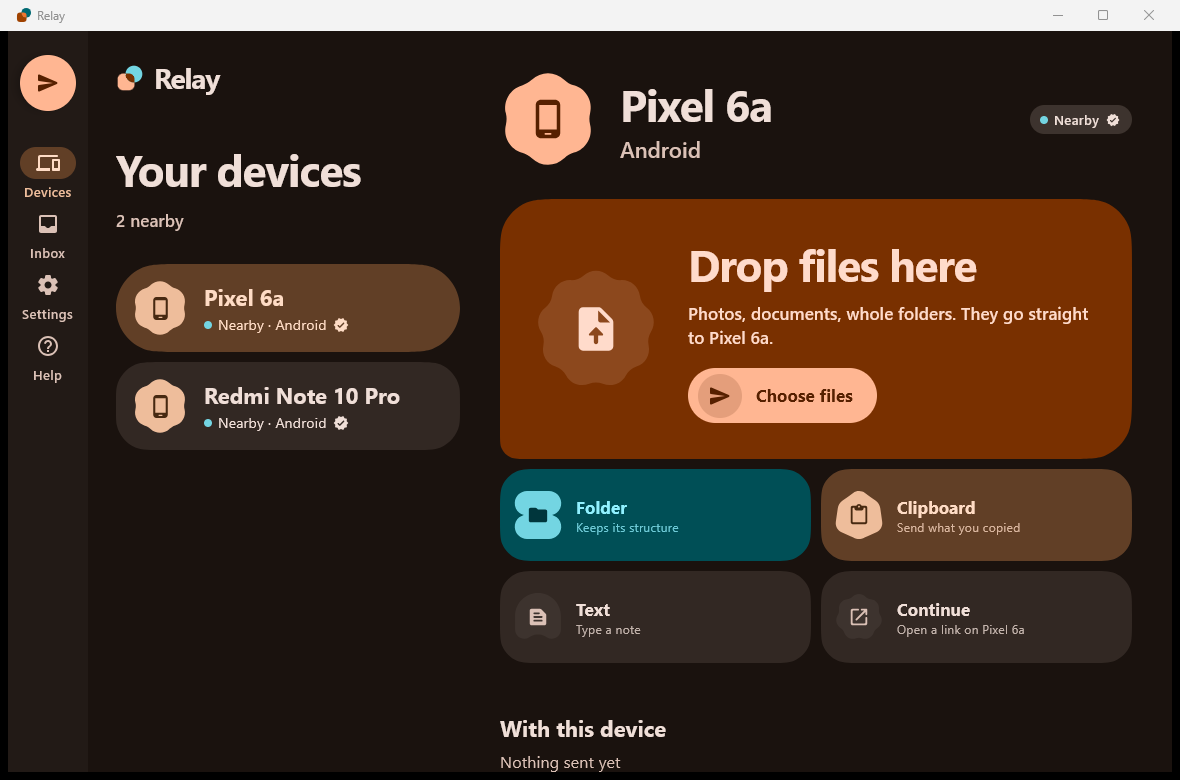
On your computer, drag a file to the shelf at the edge of the screen and drop it on a device.
Your devices work as one
Once paired, nothing asks you to accept. What arrives is ready to open or paste.
Home screen widget
Your devices on the Android home screen. Tap one, pick a file, sent.
Private by design
Connections are encrypted with TLS between your devices. Pairing is confirmed by matching shapes on both screens.
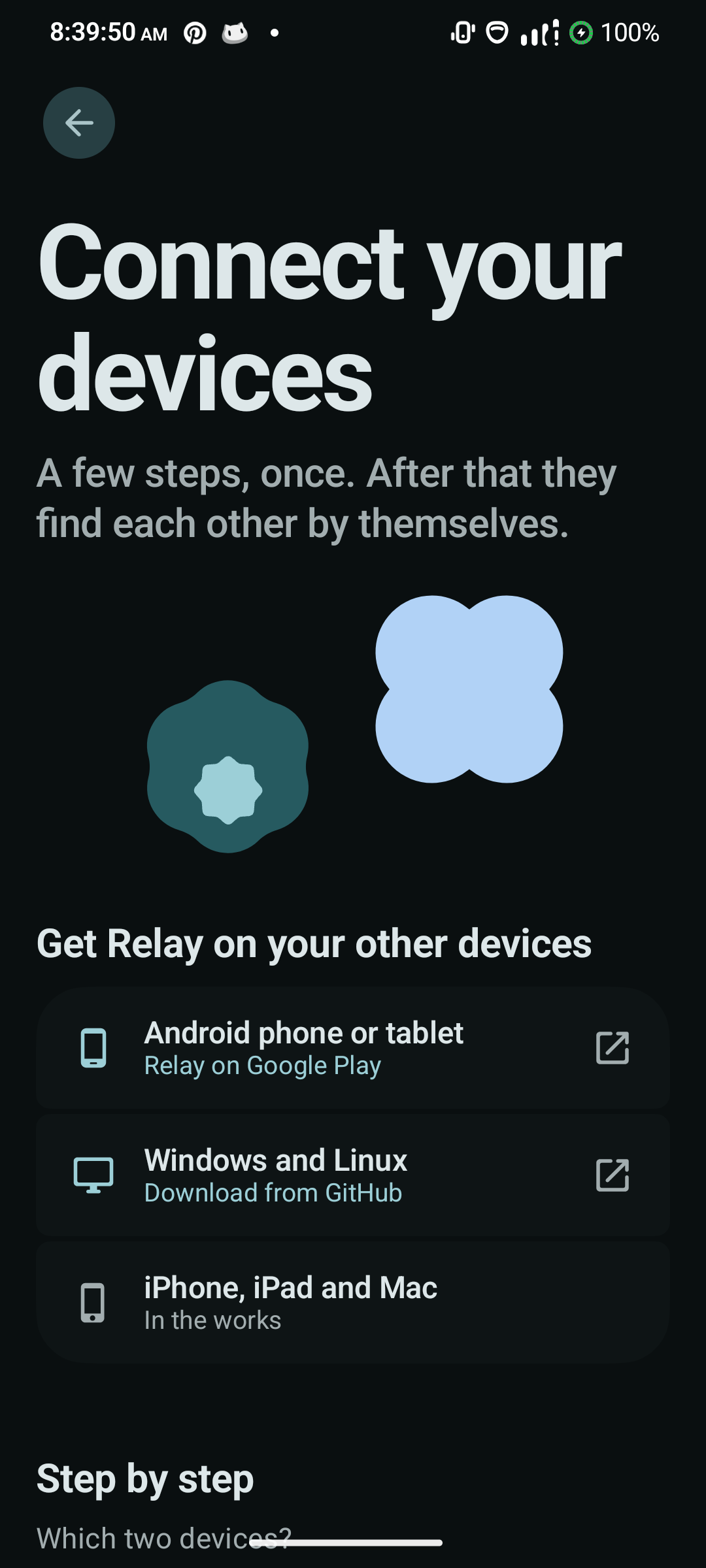
On your phone
And on your computer, with the same design.
Get Relay
Install it on two devices, put them on the same Wi-Fi, and connect them once.
The computer builds are not code-signed, so Windows may warn that the publisher is unknown: choose More info, then Run anyway. On a Mac, macOS may say Relay is damaged — it isn't, that is what it calls an unsigned app. Run xattr -dr com.apple.quarantine /Applications/Relay.app once and it opens normally. Everything is on GitHub if you would rather build it yourself.
Install Relay on both devicesAndroid from Google Play; Windows, macOS or Linux from the buttons above.
Join the same Wi-FiOr a phone hotspot with the other device connected to it. No internet needed.
Connect oncePick the device, check that both screens show the same three shapes, and confirm. That is the last time it asks.